
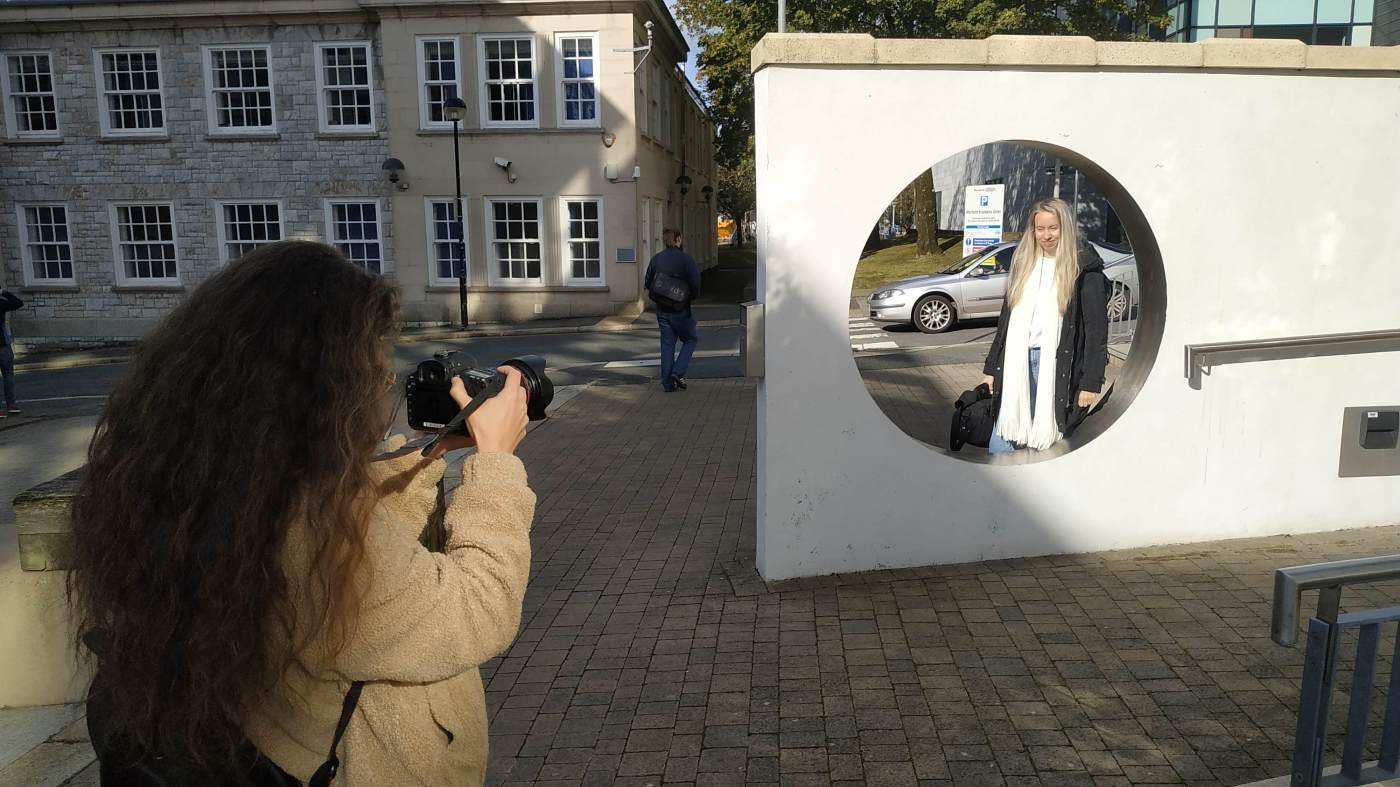
In preparation for the workshop in Adobe Premiere Pro CC we had the task to get used to the DSLR Canon 5D Mk II and film some footage. The first step was setting up the camera. We set the dial to M and adjusted the shutter speed to 1/50 sec. The ISO was set manually to 100, we also set the white balance to sun light because we were filming outside on a sunny day. We did not use autofocus but set the focus manually for every shot. We did not have a tripod, so we turned on the image stabilisation for hand-held filming. As final steps we made sure to use the picture style “Standard” and checked that the audio was turned on.
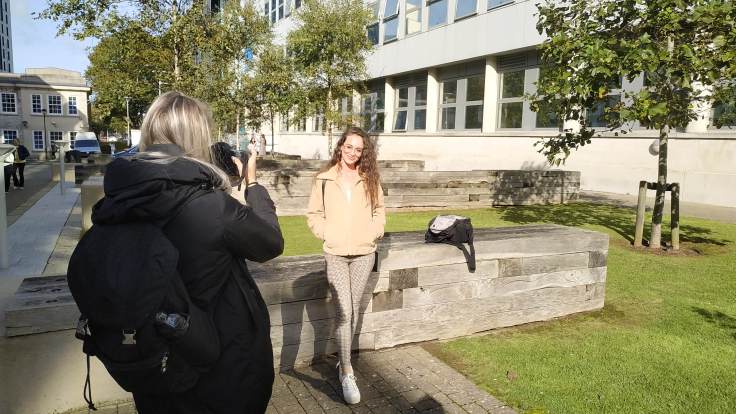
The main campus and Armada Way were the locations we went to to film our footage. The shutter speed had to stay on 1/50 sec so we adjusted the aperture to find the perfect exposure. We tried to capture different and interesting videos and came back with pride of our results.
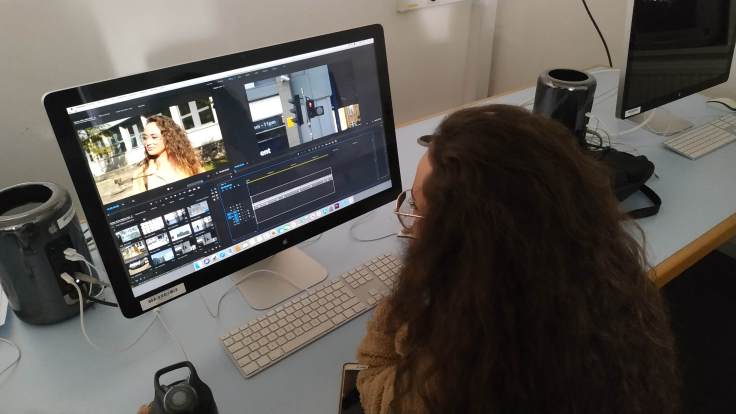
After filming we downloaded the clips from the camera and imported them in Adobe Premiere Pro CC. Senior technician Craig Whyte gave us a short introduction to the programme and we ended up with a short film that consisted of several different shots that we had cut and inserted.
It was just a short edit, so we didn’t have time for a proper cut. The bad sound is also pretty obvious, but we did not know what to do with it so we just left the sound from the different clips. That resulted in a mixture of noise which is not the way we wanted to have it. We will work on the film in the next workshop and give it a final touch. But in general we were satisfied with the outcome, especially because none of us had filmed with the Canon 5D Mk II before.
 Documentation of MEDI512 "Experiment"