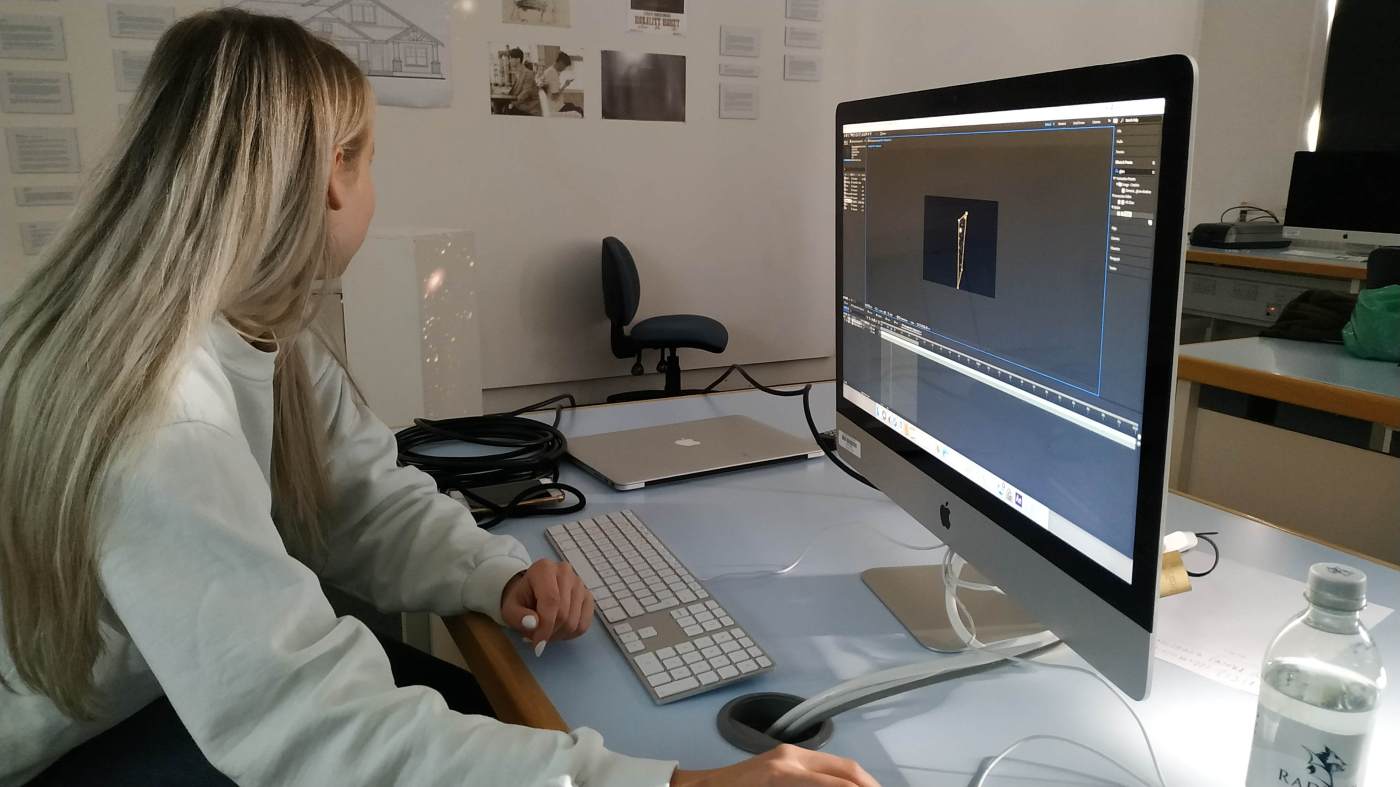
This week I attended another After Effects workshop with Andy Banks. He took up the basic skills he already taught us and introduced me to the technique of projection mapping, which means the process of using a projector to illuminate animations on surfaces. This technique is particularly helpful for us because it is often used in festivals like the Illuminate festival.
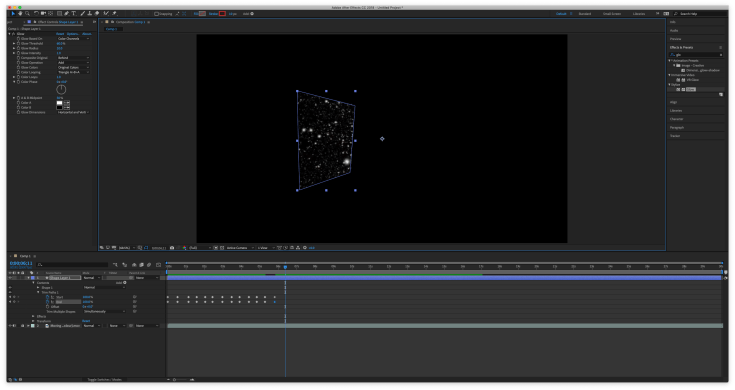
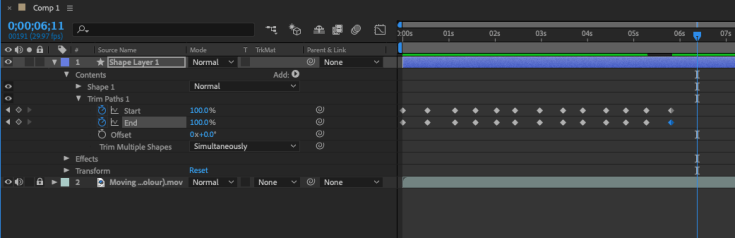
Andy guided us through the individual steps of creating trim paths, which are beams of light that trace the edges of our object. We worked with a pillar in the middle of the room and a projector that projected our animation directly on it.
After importing a video of a moving star field into After Effects, I used the pen tool to roughly select the shape of the pillar and readjusted the corners of the selected area. I used the pen tool again to draw the lines where I wanted the light to move, choosing a matching stroke colour and size. Then a shape layer appeared in the timeline. I was able to add trim paths and set the start and end points with different key points and managed to finish my animation.
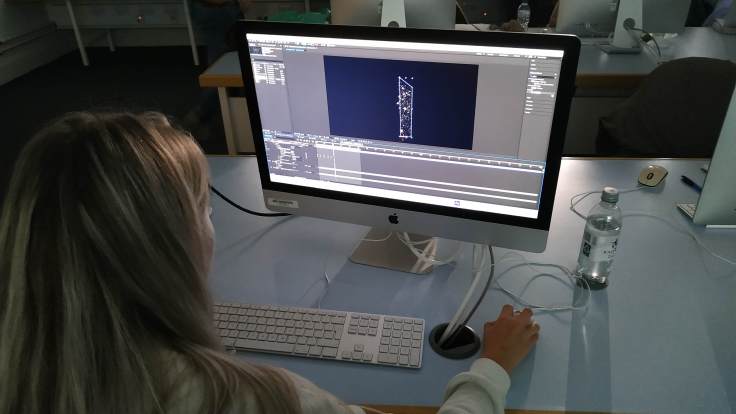
We projected our animation on the pillar, and it worked smoothly. It was motivating to see that our animation actually worked the way that we imagined and that it had not been too complicated.
Just like the first workshop I really enjoyed this one, too. Adobe After Effects is such a powerful editing tool and it is helpful to have some guidance with it. I also had time to start working on my Illuminate project and Andy pointed out some weaknesses in my idea and came up with possible solutions. He also helped me with the software and showed me some hidden tricks that will come in handy in my further work.
 Documentation of MEDI512 "Experiment"